- Understanding Laptop Performance Bottlenecks
- Choosing the Right Components
- The Benefits of RAM/SSD Upgrades
- How-To Guide: Installing RAM and SSD
- Tech Repair in Las Vegas
- Considering Other Device Repairs
- : An Informed Decision
Laptop RAM/SSD Upgrade: Effortless Performance Boost
When you find your laptop sluggishly lagging behind your daily demands, it might be time to consider a laptop RAM/SSD upgrade. A quick and efficient upgrade not only revitalizes your device’s performance but also extends its lifespan, offering an effortless performance boost.
Understanding Laptop Performance Bottlenecks
Before diving into the upgrade process, understanding why your laptop is underperforming is essential. For many, the issue stems from insufficient RAM or a slow hard drive. Symptoms include prolonged boot times, sluggish responsiveness, and frequent crashes, prompting users to ask, “My laptop is so slow, what can I do?”
Upgrading the RAM (Random Access Memory) allows your laptop to handle more tasks simultaneously, reducing slowdowns when running multiple applications. Meanwhile, switching from an HDD (Hard Disk Drive) to an SSD (Solid-State Drive) significantly enhances data access speeds, resulting in faster boot times and improved system responsiveness.
Choosing the Right Components
The right components are crucial for a successful upgrade. First, verify your laptop’s hardware compatibility. Check your existing RAM specifications and identify the maximum supported capacity. Similarly, ensure that your laptop has the necessary connectors for incorporating an SSD.
The Benefits of RAM/SSD Upgrades
– Speed Improvement: An SSD boosts read/write speeds drastically, leading to a quicker operating system and application load times.
– Multitasking Efficiency: Increasing RAM capacity allows more applications to run simultaneously, resulting in less lag.
– Energy Efficiency: SSDs consume less power compared to traditional HDDs, extending your laptop’s battery life.
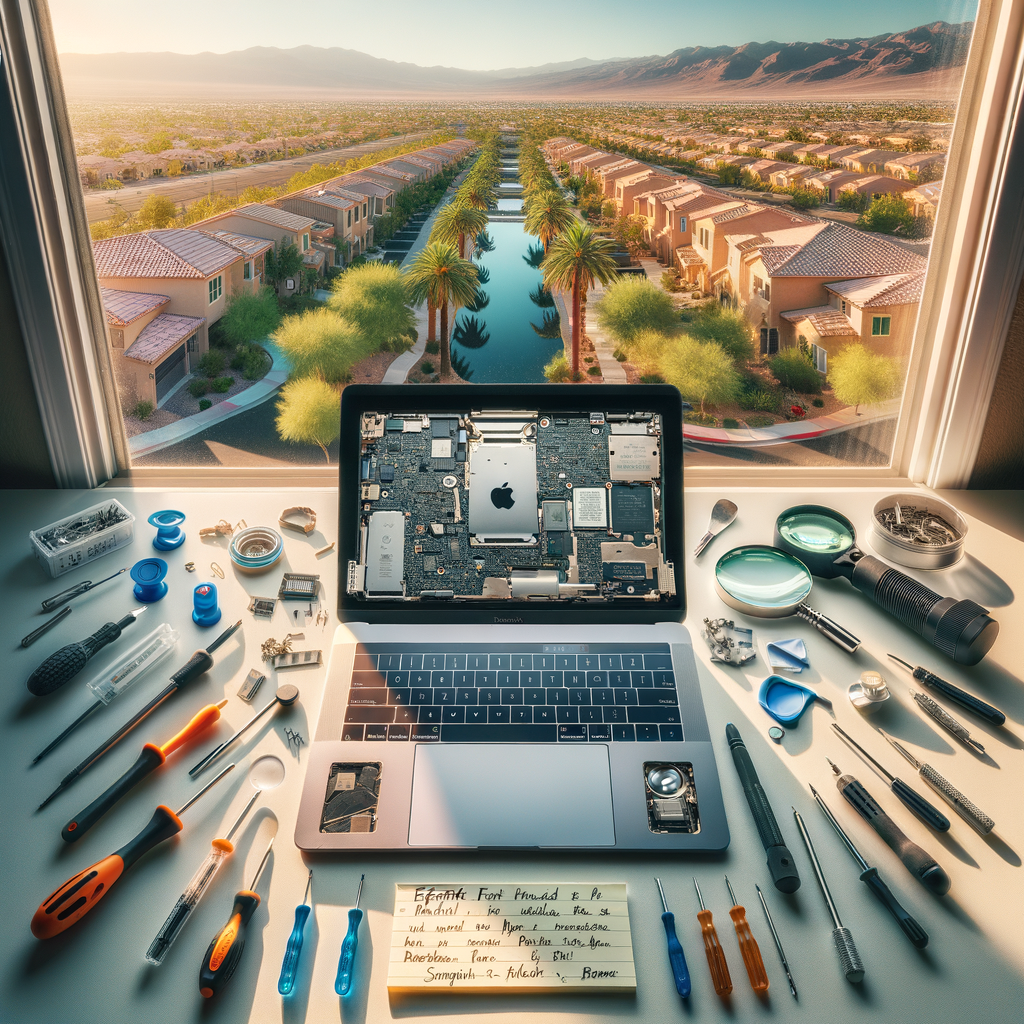
How-To Guide: Installing RAM and SSD
Investing in an upgrade can improve your laptop’s performance metrics dramatically. Follow these general steps to upgrade your components:
1. Back Up Your Data: Ensure all your important files are safely backed up before starting.
2. Power Off and Unplug: Safety first—always power off and unplug your device before opening the casing.
3. Remove the Back Panel: Use a screwdriver appropriate for your laptop to remove the back cover.
4. Install New RAM: Locate the RAM slots, remove the existing modules by pressing down on the levers on either side, and insert the new RAM firmly in place.
5. Replace the HDD with an SSD: Locate the hard drive, remove the attaching screws, and carefully swap the HDD with the SSD.
6. Reassemble: Once you’ve installed everything, secure the back panel and reattach all screws. Power on your laptop to ensure everything is working correctly.
Tech Repair in Las Vegas
If you’re uncertain about conducting the upgrade yourself, numerous tech services in Las Vegas can assist. From phone repair downtown Las Vegas to more specialized services like computer repair shop near Summerlin, technicians are well-equipped to handle delicate hardware installations.
For instance, MacBook repair Summerlin experts not only assist with upgrading MacBook components but also deal with issues such as a MacBook that won’t turn on. Similarly, if you’d prefer help with your laptop screen repair Henderson, professionals ensure that your device is as good as new.
Considering Other Device Repairs
While upgrading your laptop beefs up performance, attention may be required for other devices. Services like iPhone repair Las Vegas and Samsung repair shop near me provide solutions for common issues like cracked screens or battery replacements. Moreover, services such as iPad screen replacement Las Vegas and Google Pixel repair Las Vegas offer expert help for tablet and smartphone troubles, including water damage phone repair Las Vegas.
: An Informed Decision
A laptop RAM/SSD upgrade is an affordable and effective way to boost performance without the need for a new device. Whether handling it yourself or consulting tech repair Las Vegas experts, enhancing your laptop equips you to meet modern demands effortlessly. If you’re experiencing other tech troubles, the array of specialized repair services across Las Vegas ensures there’s always a skilled professional ready to assist, whether it’s with critical issues like data recovery Las Vegas or enhancing your gaming experience through PlayStation 5 repair Las Vegas.
Prioritize your device’s performance, and enjoy the adaptiveness and efficiency that a simple RAM/SSD upgrade offers.