


Samsung Galaxy Screen Damage: What to Check Before Repair
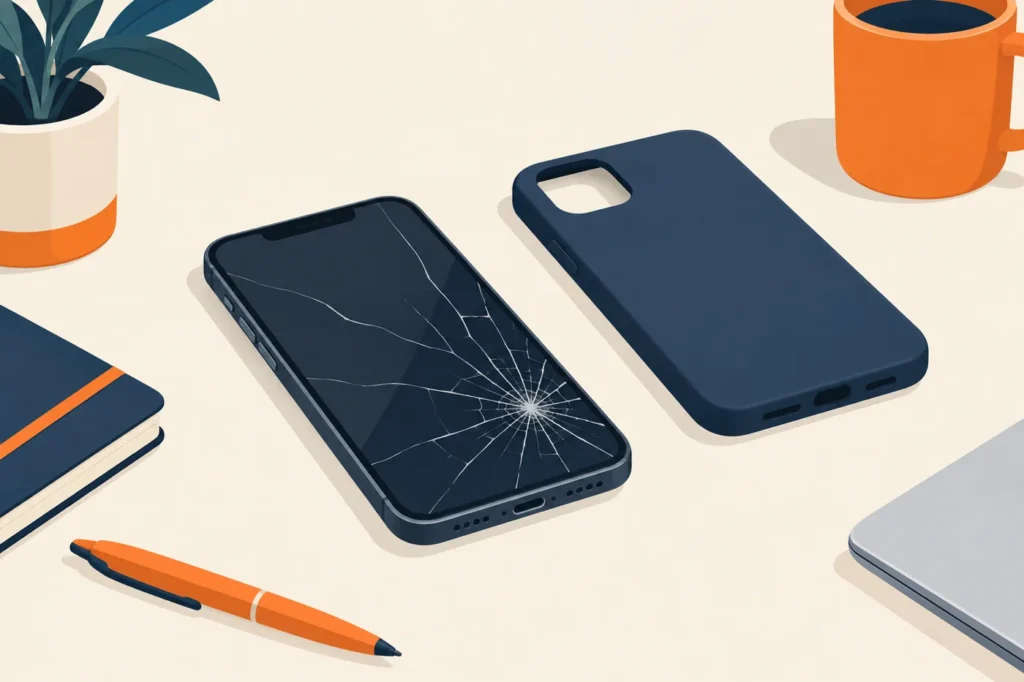
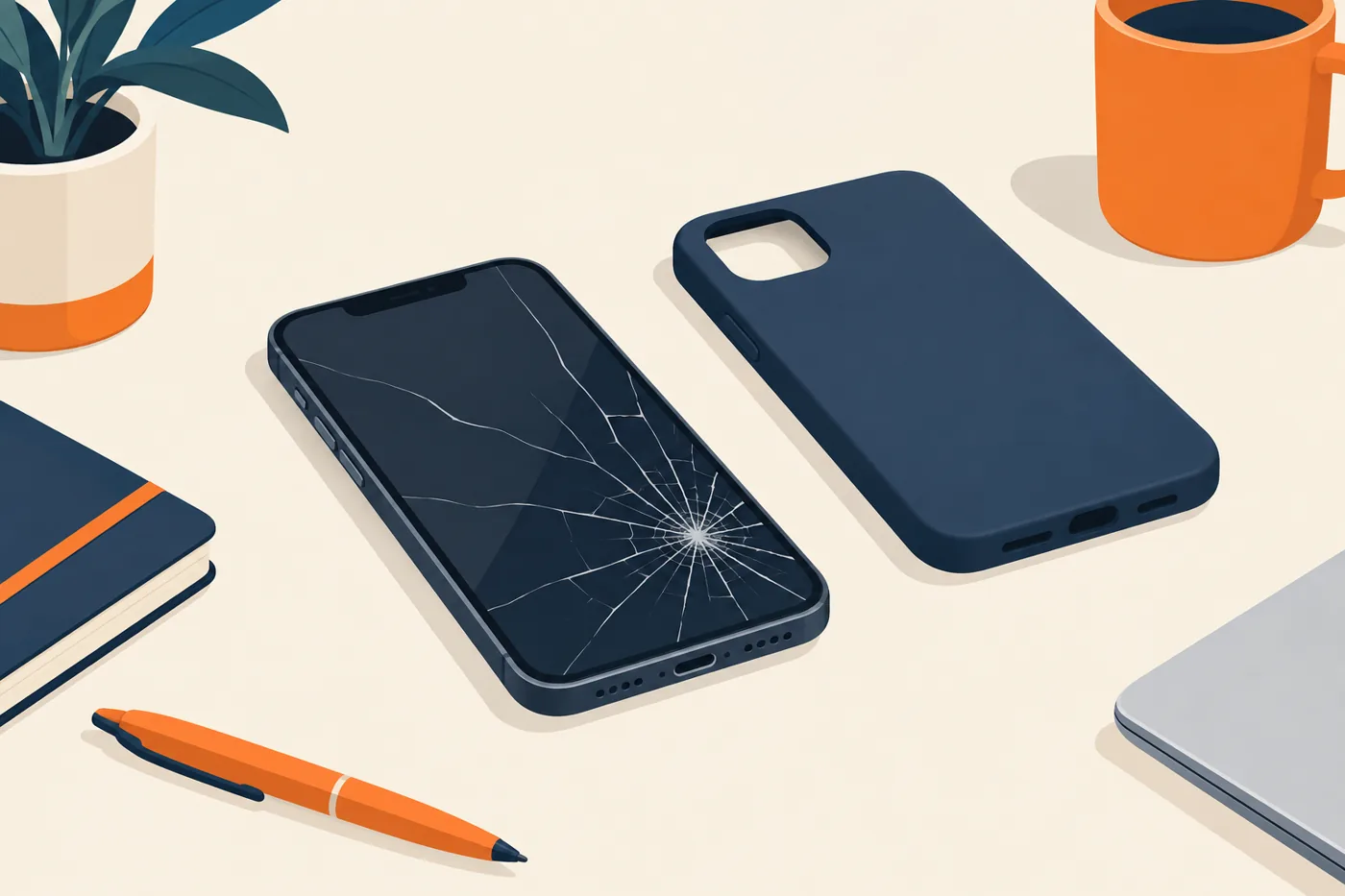
A Samsung Galaxy screen can show damage in different ways. The outer glass may crack, or the image may develop dark spots, unusual colors or lines after an impact. Those symptoms help describe the problem but do not establish the final repair or cost; the exact model and condition need inspection.
Glass, display or both?
A cracked screen protector is not the same as a cracked display. If the phone is safe to handle and the protector is clearly damaged, it may be possible to remove it carefully and inspect the surface beneath. Do not pick at loose glass or press on a lifting or swollen screen. A damaged display panel can show dark spots or lines even when the outer glass looks intact; Samsung notes that these marks can occur after impact or pressure.
For a foldable Galaxy, tell the technician whether the inner screen, outer screen or hinge is affected. Avoid forcing a stiff hinge or pulling at a damaged screen layer. Components and repair options differ by model.
Protect data and handle the phone safely
If the device is safe and usable, make a backup and verify important photos, contacts and files before service. For backup options, see the Galaxy backup guide. If the phone is wet, swollen, unusually hot or emitting a chemical smell, stop using and charging it; do not power it on merely to save files. Tell the provider that data preservation matters before any reset.
Do not assume a cracked phone remains water-resistant. Keep it away from liquid and avoid touching exposed sharp glass. If the device is smoking or presents an immediate danger, move away and seek appropriate emergency assistance.
Compare repair options
Give the shop the exact model and describe whether touch, the picture or both are affected. Ask whether the proposed part is for the inner or outer display where relevant, what the full quote includes, the warranty and current parts availability. Request approval before any additional work if the frame, hinge or other component is damaged.
Ask how the provider will test touch, image quality and other affected features after repair. Avoid unsupported promises about turnaround or restored water resistance; both depend on the model, parts and condition.
For a local assessment, see the Samsung Galaxy repair page or contact Smart Fix with your model and a description of the damage. Confirm current screen-repair availability and terms before visiting.





